Claude edited my last three YouTube videos in DaVinci Resolve
A few weeks ago I found out DaVinci Resolve now has an MCP connection (it arrived in Resolve 21.1), which basically means AI agents like Claude or Codex can connect to it. Since then Claude has edited my last three YouTube videos. I record everything, drop it into a folder and tell Claude what I want in plain English. The latest video shows the whole process on my screen.
I was very excited and surprised that this was even possible! I build AI agents for a living, so I follow what's happening in AI closely and use it in almost everything I do, blog writing included. Hacker News has not been too kind to me about the AI-assisted writing. Video is where I really wanted to do more, but editing takes so much time that I kept procrastinating. So the first time I tried this, I just wanted to see how close it could get to a finished version, and then I'd spend a couple of hours finishing it off myself. What shocked me was realizing it could do the whole thing end to end.
It won't make you a great video. What you get is a normal, average one, and there's a lot that could be better. The AI animations are too much right now, I know. I wanted to see how far it could go, and I'll be cutting them back from the next video on. But when the whole thing worked, I was pretty shocked.
Plenty of people have already shown the setup on YouTube (this one, for example).
I'm not a content creator. I've made the odd reel, but nothing you'd call proper content until now. Starting a YouTube channel has been on my list for a long time, and I kept pushing it off because I didn't have the time to learn DaVinci Resolve or any other editor. I've been a developer for as long as I can remember, I run a couple of businesses, and on the side I built a safari lodge in the Maasai Mara, Kenya, because my parents live there. I'd slowly learned to put a video together in a coherent way, but it never felt premium.
What I actually do now
- Record everything. You're going to make mistakes, you're going to say um, and you're going to redo things, especially when you're new. I don't worry about any of it.
- Drop the files into a folder, give Claude the path, and add a thought dump of what I want. Mine are dictated with Handy, a voice-to-text app, and they're not coherent (the baboon one was about a minute of me talking). It doesn't matter.
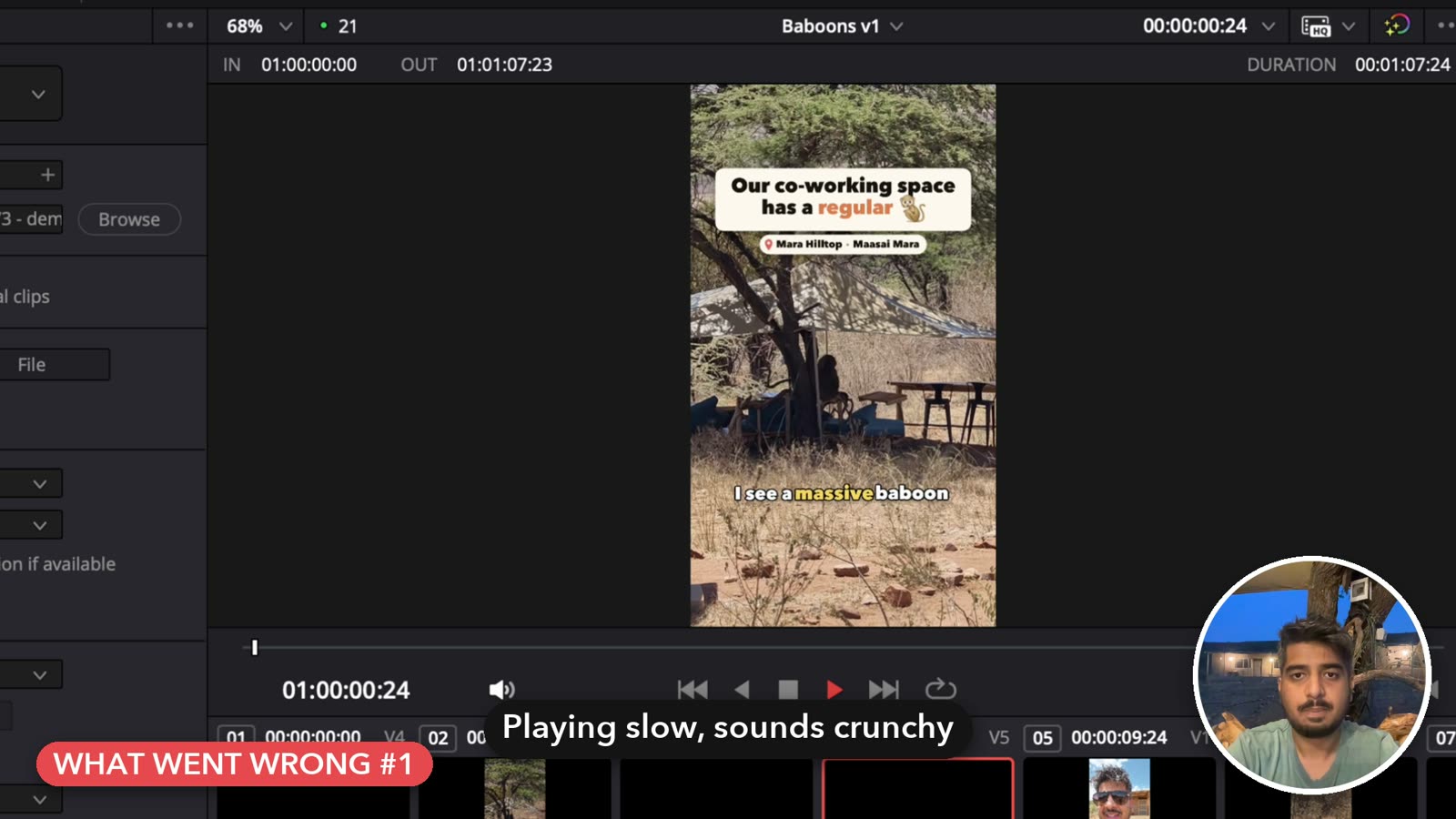
- Go do something else. The baboon reel in the video took about 57 minutes. I read a book, walk around, play with my dog.
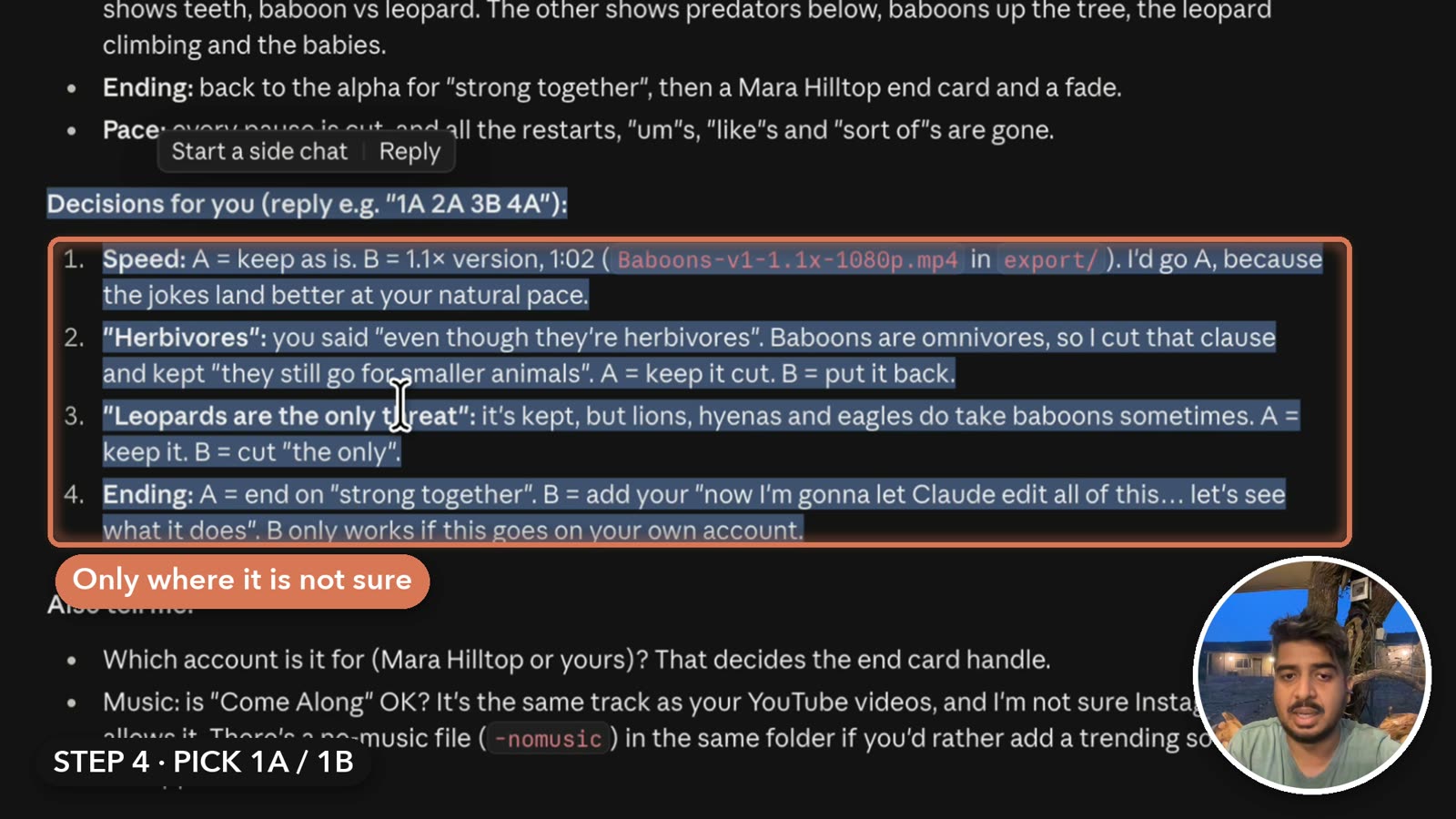
- Answer the questions. Where I have two or three good takes, it doesn't decide on its own. It builds a separate timeline that plays option A, then B, and asks me for something like "1A 2C 3B". I reply in one line and hit enter.
- Watch the cut and send notes. For the last video that was three trims and one idea.
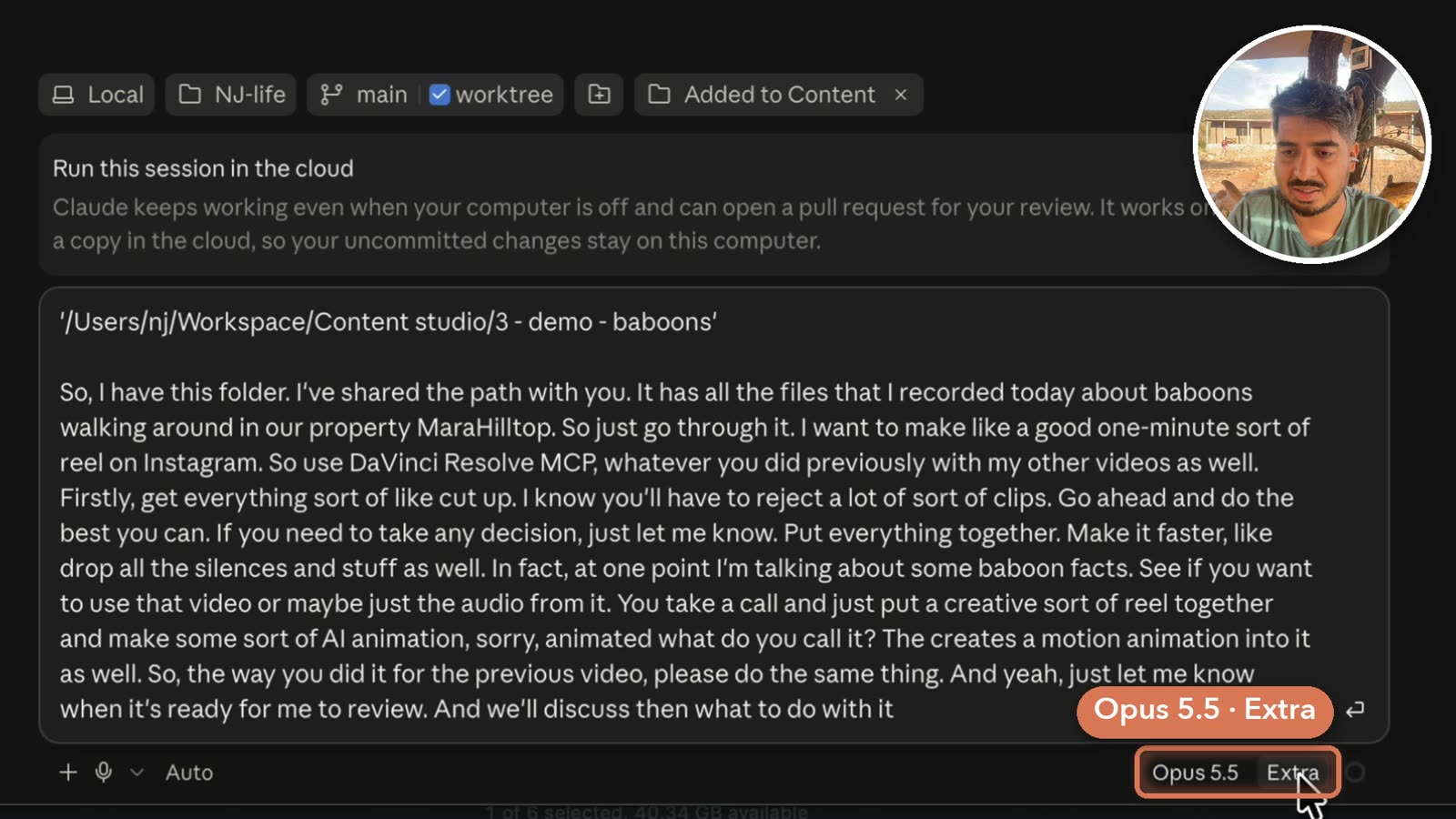
The setup is a one-time thing. In Resolve, go to File → Setup AI Assistants, pick the assistant you want (Claude, Codex, ChatGPT or something else) and click install. I picked Claude. You might also have to set Preferences → System → General → External scripting to Local. Unfortunately it only works in DaVinci Resolve Studio, the paid version.
What Claude does
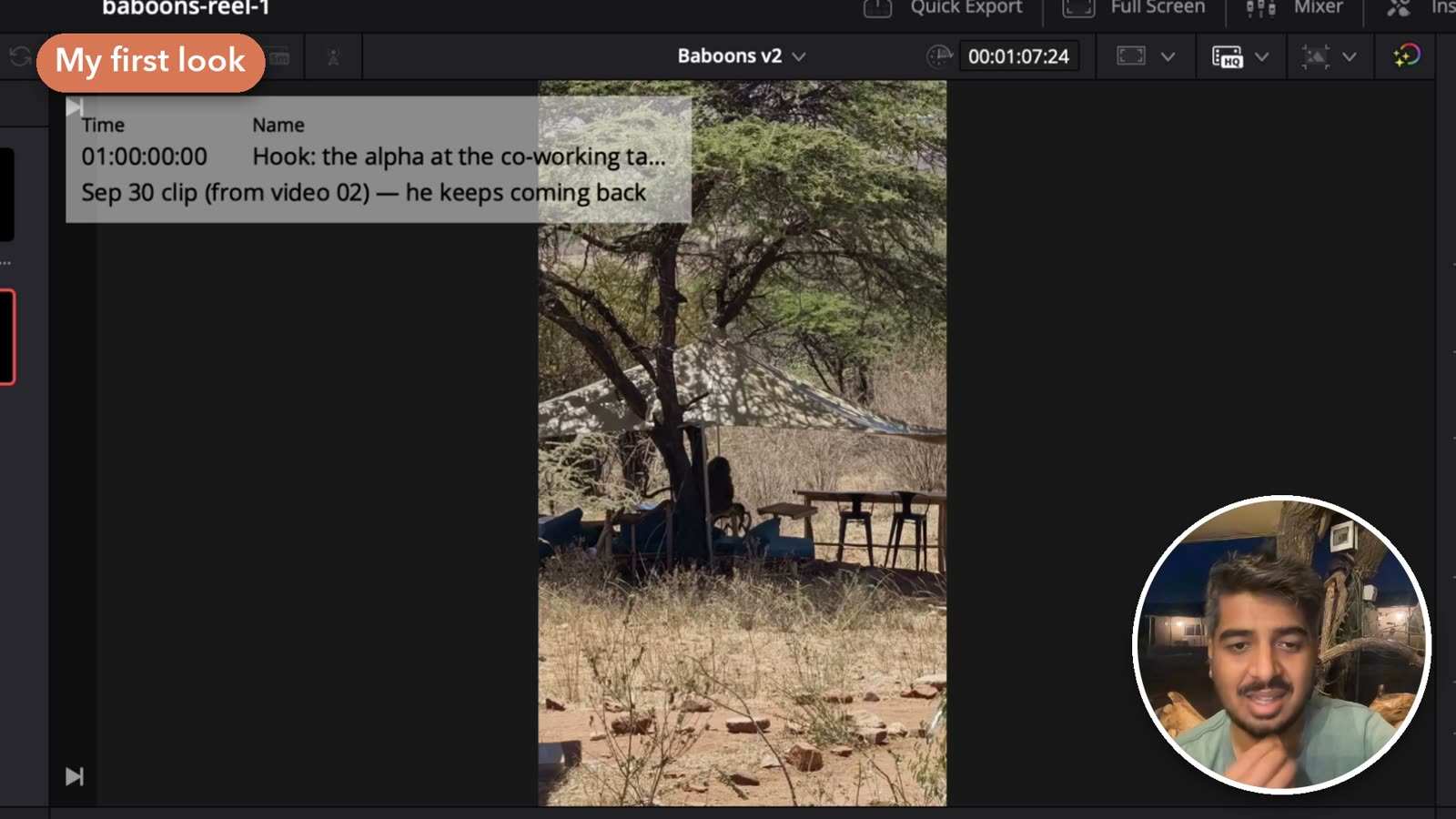
The cutting happens in Resolve, through its scripting API. Claude decides which takes and sentences stay, cuts the ums and restarts, shortens the pauses and speeds up the slow stretches a little. Everything around the cut runs on my Mac outside Resolve, in Python, ffmpeg and a headless browser. It transcribes the clips with Whisper, builds the motion graphics, the music bed and three thumbnails to pick from, then brings the results into the timeline and renders the 4K export. Before it tells me a version is ready, it re-transcribes the finished cut to catch a clipped word or a filler it missed, and checks the loudness.
Here are the three videos side by side.
| Video 01 | Video 02 | Video 03 | |
|---|---|---|---|
| Published | Sep 27 | Oct 1 | Oct 6 |
| Raw footage | 15:46, talking head | 15:40, 4 clips | 28:42, talking head + 2 screen recordings |
| Final cut | 7:00 | 9:58 | 10:35 |
| Timeline versions | 11 | 7 | 5 |
| Motion graphics | 23 | 37 | 23 |
| What I did | recorded, 6 A/B picks, 1 audio pickup, trimmed overlays by hand, picked the music and thumbnail | recorded, 5 A/B picks, 3 audio pickups, 2 trims, picked the music and title, combined two thumbnails into one | recorded, 5 A/B picks, 4 notes, picked the thumbnail, set the playback frame rate |
My second video explained a few concepts, and those parts needed something to look at besides my face. So I told Claude it's good at animation, don't even ask me, go through the video and add motion graphics wherever you think they're needed. I sent that right before bed, and the result the next morning actually shocked me.
What went wrong
- In the baboon reel the audio came out crumpled, the same as in my previous video. All I told Claude was that the audio sounded crumpled and something was off. I had no idea what the technical problem was. It found two. The mix was clipping, and the project was playing back at 24 fps against footage shot at 29.97. New Resolve projects default to 24, and the scripting API can't change that one setting, so it has to be set by hand in Project Settings → Master Settings. For video 03 I did that myself.
- In video 01 I trimmed some overlays by hand so my face showed through. Claude then rebuilt that timeline from its own scripts, and my trims were gone. Now it never rebuilds. It duplicates my latest version and patches the copy, so every old version is still there.
- Resolve crashed in the middle of video 03, after hours of edits. My message was "Davinci just crashed. I hope we didnt lose anything". We didn't, because Claude saves the project after every step.
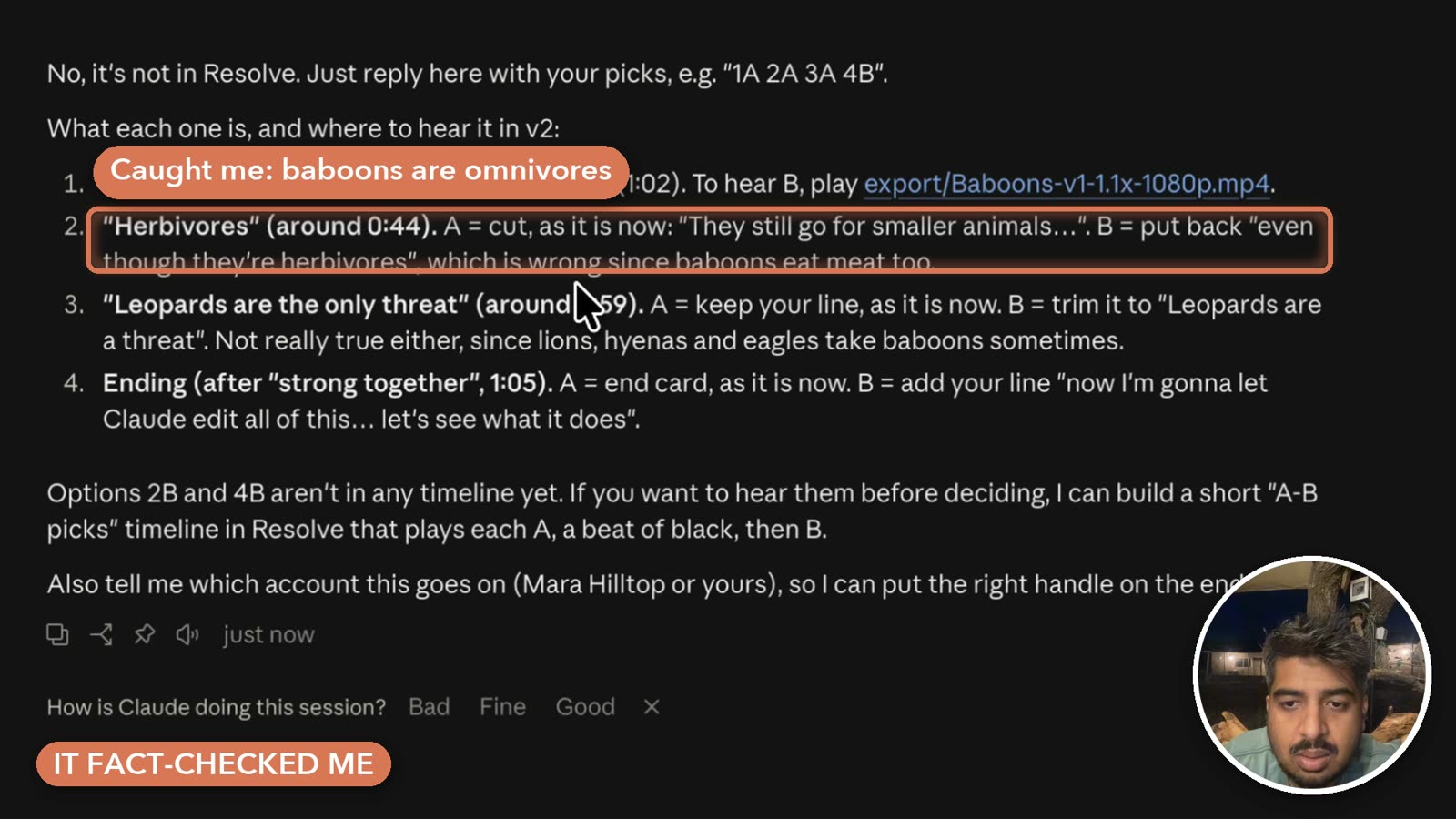
It fact-checks me too. In the baboon reel I called baboons herbivores, and Claude flagged it. Oh yeah, they're omnivores, so he's right. It follows what I'm actually saying and pushes back when I get something wrong, or asks "are you sure you want to do this?"
What I still do
I don't think this is slop, because it isn't fully AI-driven. You're still the one shooting, and it still takes a bit of courage to get in front of a camera and say what you think in public.
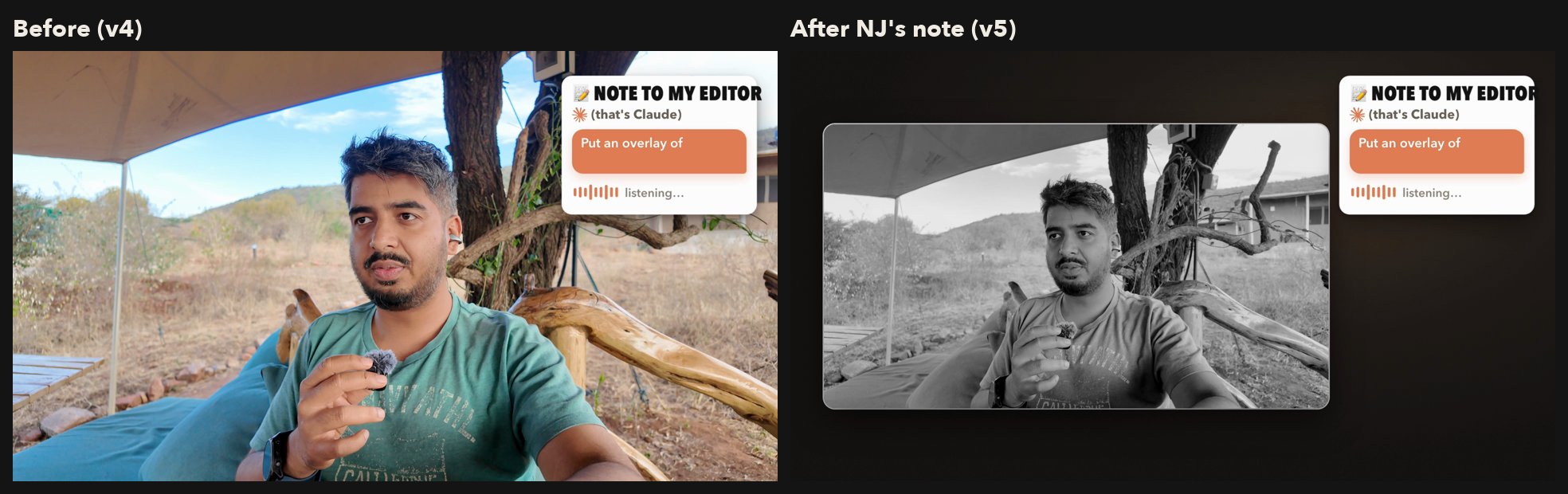
In video 03 I asked it to move a few things I'd said late, like the bit about the lodge, up to the front. Claude offered a cold open that flashed forward to the reel, and what I typed back was "THat abrupt random final clip showing up in 1A felt jarring to me", so it went. In one part of that video I'm talking to Claude and not to the audience, and my note was "because I'm suddenly talking to claude and not the audience, I feel like there needs to be a more distinct change - like maybe take the entire frame and make it smaller and black and white or a different hue". Claude built that version.
None of this is for everyone. If you already make content, or you're already a good editor, please don't listen to me.
What it costs
Resolve Studio is a one-time payment of about $300 ($295 in the US). I bought it in a Black Friday sale last year, not sure I'd ever use it. Hiring an editor can cost you $300 for a couple of hours. This is an editor you can annoy as much as you want.
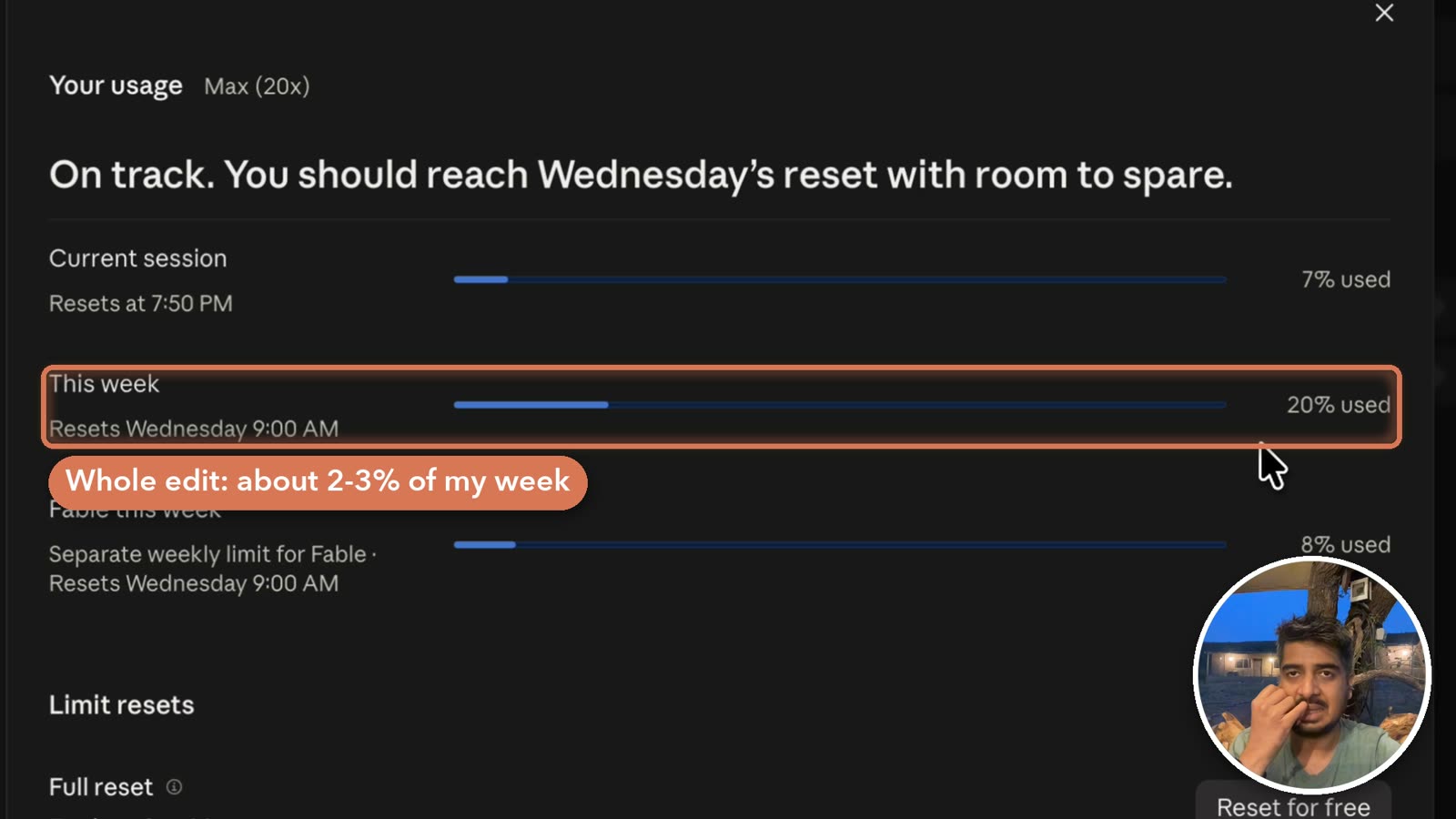
On the Claude side I'm on the Max plan (20x). The first 57-minute pass of the baboon reel used about 2–3% of my weekly limit. That might be expensive for some people, but for turning shitty raw files into something decent and presentable, I think it's worth it.
Is video editing next?
Code has kind of been solved by AI at this point, and I feel like video editing might be next. Art and real creative work will always have their place, and AI will find that tough to match. But for most normies like me, this is great. We get to focus on our own ideas and creative takes, and let AI do the heavy lifting of getting it polished.
There are many more products doing similar things. I keep seeing ads for AI video editors and people posting about them.
I haven't pushed this to its limits yet, so I don't know where it breaks.
— NJ